- We recommended Google Chrome or Microsoft Edge on a laptop or desktop computer.
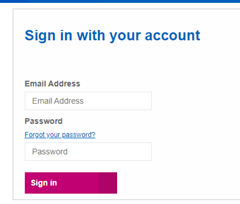
- Your username is the email address you registered with us.
- Click on ‘Forgot your password?’ if you can't remember your password.
 Go to 'My Tasks' then 'Complete Submission'
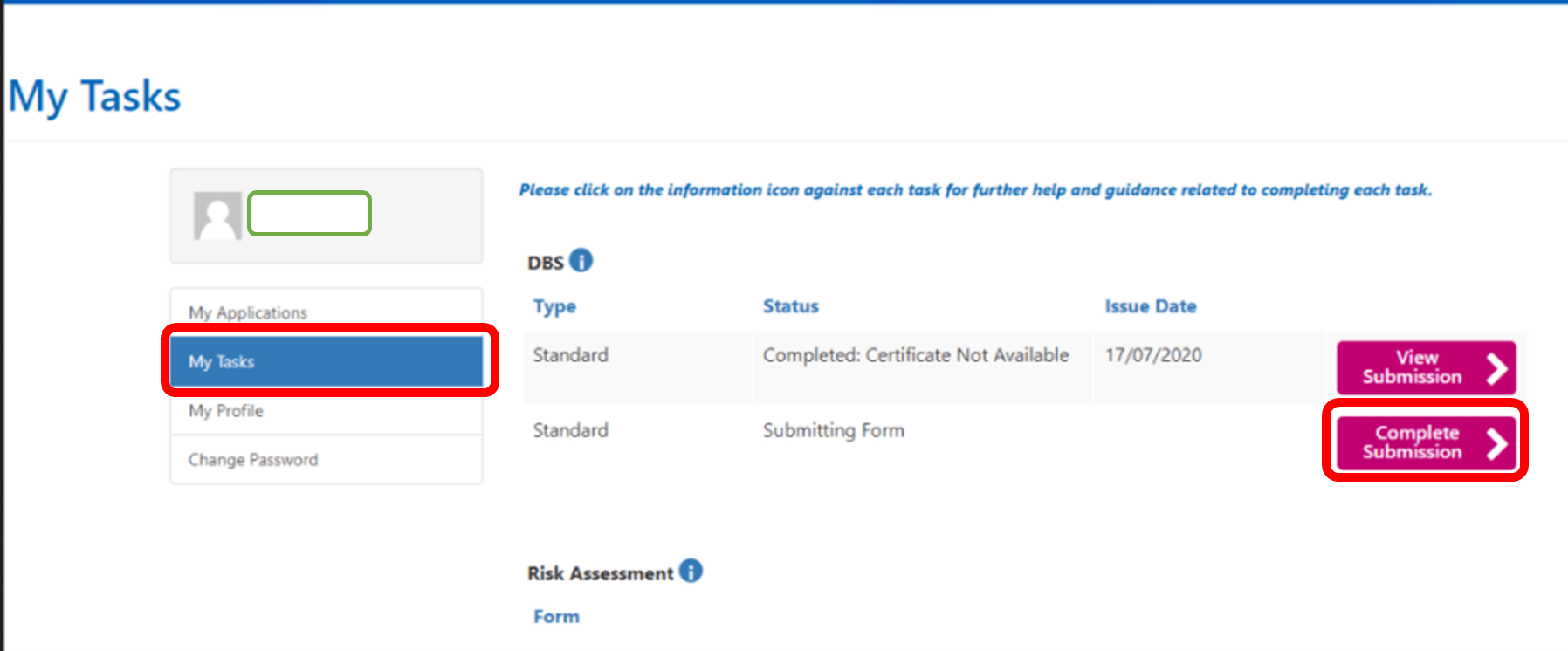
If you can't see your DBS submission form, please contact us using the 'Need More Help?' Contact Form below
 Complete your form
If you don't complete the form accurately, we will ask you to complete it again.
Quick Tips:
- Click 'No' on the question 'Do you have an existing certificate you would like to use for this role?'
- Enter your name as it appears on your ID documents in the relevant fields
- All UK Post Codes require a space in the middle
- You must provide your address history for the past 5 years with no gaps
 Click Submit
If you get an error when submitting the form, please check our article I can't submit the DBS form
If you get an error when submitting the form, please check our article I can't submit the DBS form
Submit Supporting Documents
After you have completed the online DBS form, you will receive an email from TrustID with a link.
Use this link to upload your required supporting documents.
Important: If you don't see the email, please check your junk and spam folders.
For more information, see our article How do I upload documents to TrustID?
 Complete IDVT appointment
After you submit your documents via TrustID, we will review your documents within two working days.
Once reviewed, one of the following 3 things could happen:
If a positive TrustID response has been received, we will process your documents and submit to DBS.
If TrustID documents require further review you will be invited to attend an IDVT, (Online Digital Video appointment.
If a negative TrustID is received, you will be invited for F2F document verification at your local NHSP office.