- Log into the ESR portal (https://my.esr.nhs.uk/ ) – click here for help with logging in.
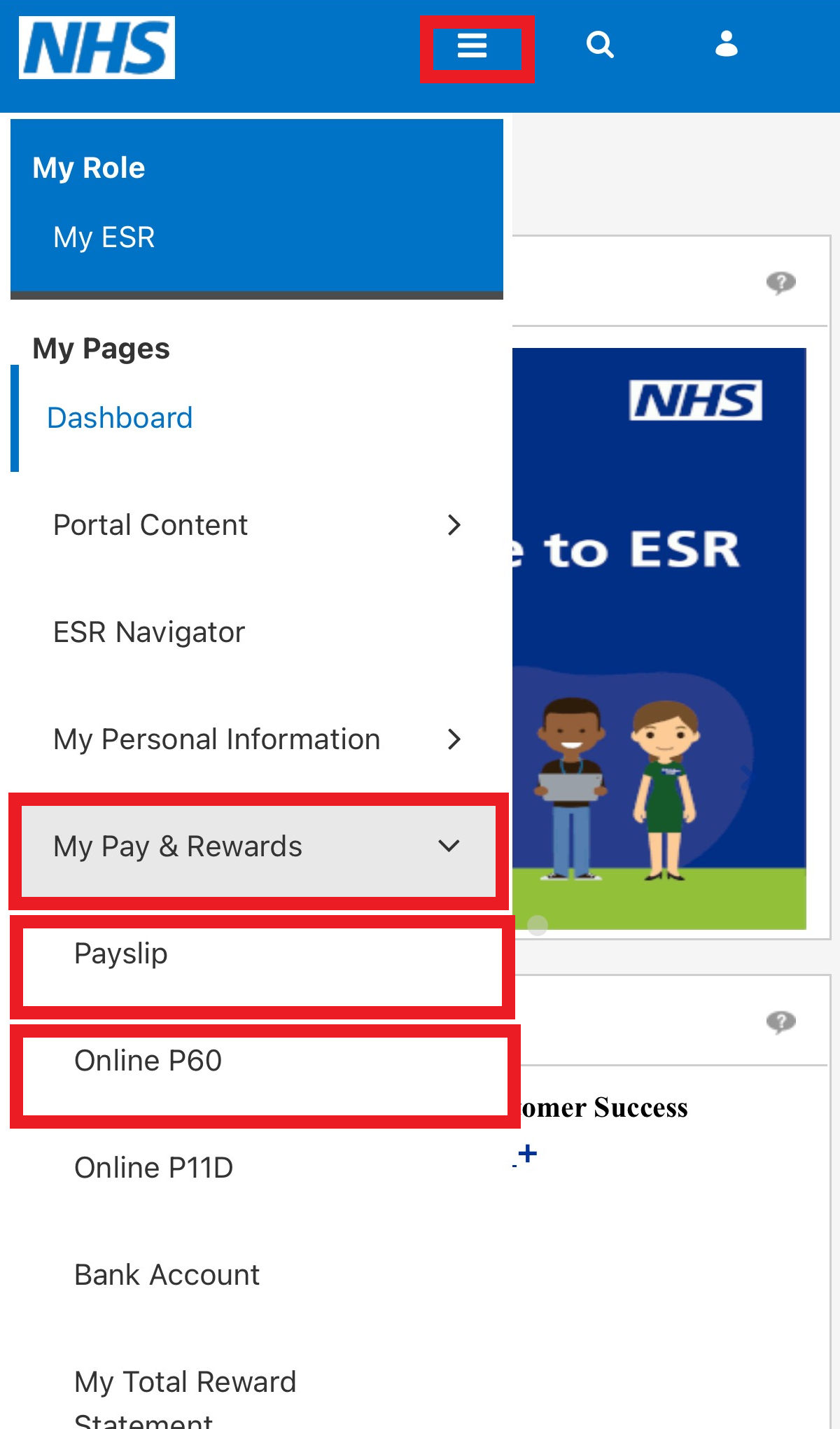
- Click the ‘burger’ menu at the top of the page outlined in red below.
- Click My Pay & Rewards then click on Payslip.
- Select the relevant year and months from the drop-down options and click View Payslip.
- The Payslip you selected will then be downloaded to your device to be viewed.
Please note: payslips are also available to view and download via My:Bank and the MySBSPay app.
P60
- Log into the ESR portal (https://my.esr.nhs.uk/ )
- Click the ‘burger’ menu at the top of the page outlined in red above.
- Click My Pay & Rewards then click on Online P60.
- Select the relevant year and click View Report on the top right of your screen.
- The P60 you selected will then be downloaded to your device to be viewed.
P45
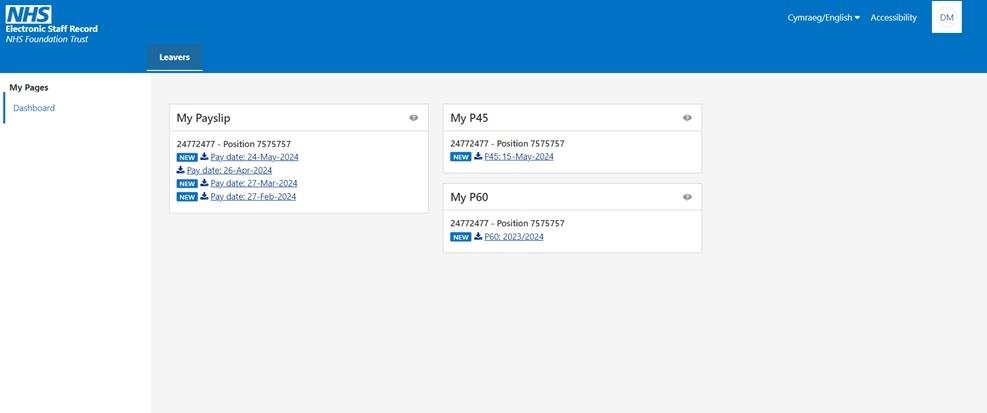
When your registration has ended with NHS Professionals, you will be able to access a Leavers Dashboard in ESR for 90 days.
To access the dashboard, please login in with the same account details you used prior to leaving.
The Leavers Dashboard contains 3 pay related items.
Click on the documents you would like to view, and this will then be downloaded to your device.
Updating Bank Details
Please click here for help with updating your Bank Details.
Help & Support
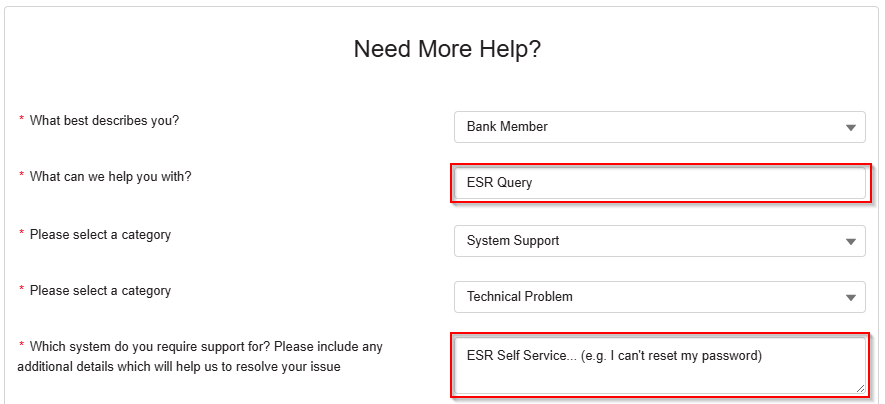
If you still need help, you can log a support request on our webform. Please select the following options to help ensure your query reaches the right team: